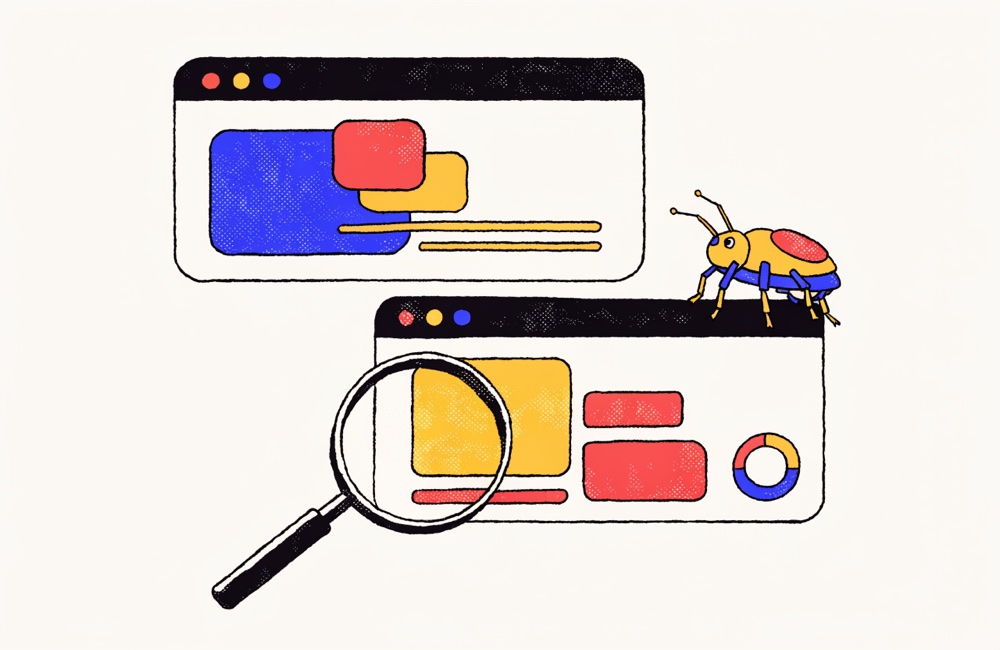
You know the ticket. "Button doesn't work." One blurry screenshot of the aftermath. Zero repro steps. The engineer spends twenty minutes trying to reproduce a bug they can't see, then closes it "cannot reproduce," and three weeks later it's back in the backlog wearing a different hat. A short looping GIF ends that cycle. It plays the crime, not just the chalk outline.
Why a GIF beats a video link
A video link is a tax. The reader has to click out of the issue, wait for a player to spin up, maybe hit a login wall on whatever cloud drive you parked it in, and then it's gone the day someone "cleans up" the shared folder. A GIF embedded in the issue body autoplays inline, loops forever, needs no account, and travels with the ticket wherever it goes. Nobody has ever clicked a video link and thought "ah, delightful." They watch a GIF without even deciding to.
GitHub, GitLab, Linear, and Jira all render an animated GIF directly in the description and in comments. Drop it in, it plays. No embed code, no oEmbed roulette, no "this video is private" surprise for the contractor three timezones over who's actually free to look at it right now.
Why a GIF beats a screenshot
A screenshot shows a state. A bug is a sequence. "I clicked Save, the spinner ran, then the row vanished" is three frames a still image will never carry. The GIF is the repro steps, performed, in order, on a loop, so the engineer watches your exact path instead of guessing at it. That's the difference between a P3 that lingers and a P3 that gets fixed before standup.
It also kills the back-and-forth. No "can you tell me which browser / what you clicked first / does it happen every time" thread that burns a day per round-trip. The reviewer sees the order of operations and the failure in one loop, and replies with a fix instead of a question.
The two-minute workflow
- Record the repro. Mac: QuickTime Player (File ▸ New Screen Recording) or press Shift-Command-5. Windows: the Xbox Game Bar (Win-G) or any OBS scene. Capture a little lead-in and the moment it breaks, and keep going one beat past the failure so the bug is unmistakable. Don't start the recording mid-disaster.
- Convert it. Open What the GIF and drop the clip in. The whole conversion runs inside your browser tab, nothing is uploaded to a server, which matters more than you think for the section below.
- Crop to the UI region that's broken. Nobody needs your menu bar, your second monitor, or the tab where you were reading Hacker News. Crop tight to the component. Lock a ratio if the panel suits one (1:1 for a modal, 4:3 for a form) so the output never squashes the proportions and your buttons don't end up looking stretched.
- Trim to just the repro. This is where most bug GIFs go wrong: they're fourteen seconds of you finding the page. Trim to the action. Frame-perfect trimming lets you snap the start and end to exact frames (the timeline shows seconds and frames; arrow keys nudge ±1 frame), so the loop begins on the click and ends one frame after the breakage. A clean two-to-four-second loop reads better than a rambling twelve-second one.
- Keep it under a few MB. Set the frame rate to 10 to 15 fps, plenty for UI motion and a fraction of the weight of 30 fps. Aim for under ~2 to 5 MB. Crop before you scale down so you're not spending pixels on dead space you're about to throw away.
- Drag it into the issue. Drop the GIF straight into the GitHub or Linear comment box and it embeds and autoplays. Done.
If the tracker rejects the file, or the repro genuinely needs fifteen seconds, don't fight the format. Flip the Output Format switch to MP4 and export the same edit as a small, silent H.264 video, encoded locally in Chrome, Edge, and Safari. GitHub, Linear, and Jira all accept MP4 attachments; you trade the autoplay loop for a fraction of the file size, and the repro still travels with the ticket.
Settings for crisp UI and readable text
GIFs hate two things: tiny text and gradients. You can beat the first one.
- Push the color count up for anything with text. A 256-color palette keeps error copy, stack traces, and field labels legible. Drop to 64 colors and your monospace turns to mud, which is a problem when the whole point is the exact error string.
- Crop before scaling. Cropping to the broken panel first means the text that survives is the text that matters, and it stays sharp because you're not shrinking the whole screen to fit it.
- Don't capture a Retina window at full size. Record the region, then crop, rather than scaling a 5K screenshot down to thumbnail size and wondering why nothing's readable.
- Skip the fancy stuff. No smooth-scrolling, blurred-background hero animation required. A bug GIF is a court exhibit, not a showreel. The flatter and more literal it is, the faster it gets actioned.
A word on internal and unreleased product
Most screen-recording-to-GIF tools upload your file to their servers to do the conversion. If your bug lives on an unreleased feature, a staging environment, or anything under NDA, that's your roadmap taking a field trip through someone else's infrastructure, and a conversation you don't want to have with security after the fact. The converter runs entirely client-side: the video never leaves your browser tab, so the only place that frame of your unannounced dashboard ends up is the GIF you choose to paste into your own private repo. If one region still can't ship, a customer name, a token in a console, drag a solid shape over it and it exports covered. No signup, no account, no file sitting on a vendor's bucket waiting to be subpoenaed or breached. Corporate IT tends to like that answer, and it's a much shorter security review.
Common mistakes
- Recording the whole desktop. Crop to the component. Context is good; your wallpaper is not context.
- The fifteen-second epic. Trim to the repro. If your GIF needs a synopsis, it's too long.
- Forgetting that the loop repeats. If the last frame is wildly different from the first, the loop "snaps" and reads as a glitch. End on a stable state when you can, or trim so the cut lands somewhere quiet.
- Shipping a 40 MB GIF. Drop the fps to 10 to 15 and keep it under a few MB, or the issue page crawls for everyone who opens it, on every reload, forever.
- No caption. The GIF shows what happens; one line of text should say what should have happened. "Expected: row saves. Actual: row vanishes." The GIF is evidence, not a substitute for words.
The same loop is just as handy outside the tracker. Embedding a repro in a Slack or Discord thread when you're flagging it to the team works exactly the same way, no click-through required, and it survives the scroll better than a screenshot nobody opens. One recording, pasted everywhere, finally reproducible. And yes, the tool stays free because a few tasteful ads keep the lights on, which is a fair trade for never uploading your unreleased UI to a stranger's server.