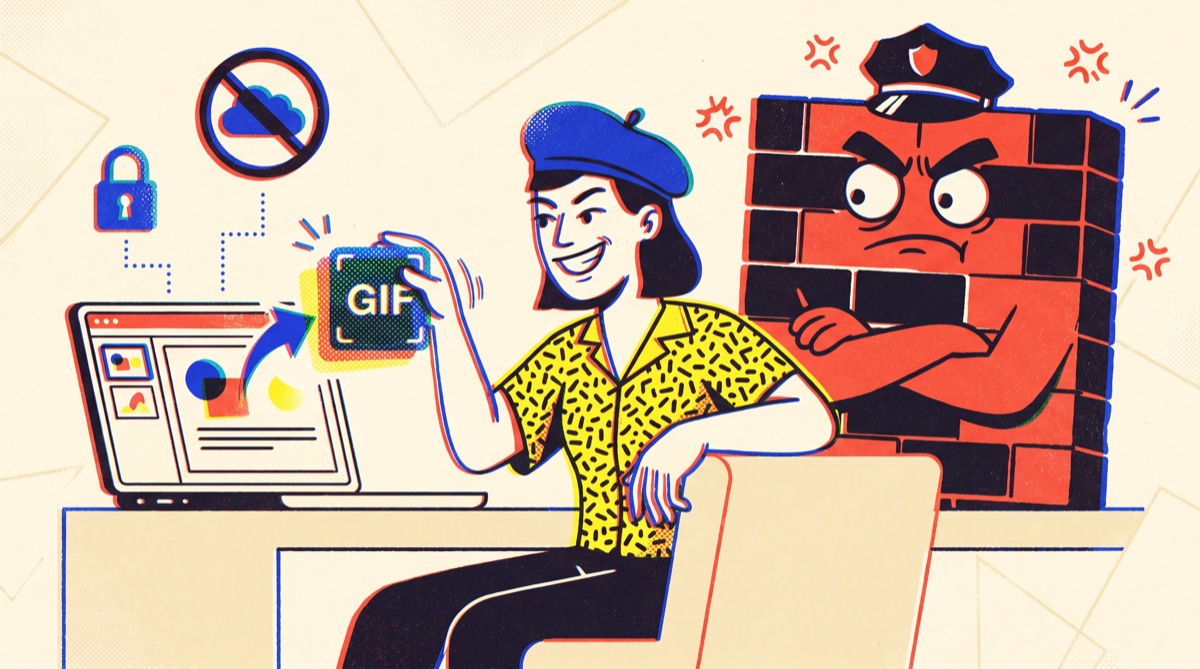
What the GIF started as a recurring four-o'clock-in-the-afternoon problem. The pitch is tomorrow, the hero moment is a video, and you need it inside the deck, not living on some link that may or may not load when the projector hates you and the conference-room Wi-Fi has opinions. We're creatives. We live in pitch decks. We have lost real years of our lives to a spinning play button that never spun.
The problem that wouldn't go away
Embedded video in slides is a trap. Google Slides won't even take a raw video file from your computer, it wants a Drive link or a YouTube URL, which means uploading client work that isn't public yet. PowerPoint and Keynote will embed it, then bloat your file, choke on the wrong codec, or refuse to autoplay on the one machine that matters: the presenter's. A looping GIF, by contrast, just plays. It drops in like an image, loops forever, and never asks permission.
So we'd go looking for a free video-to-GIF site. And every single one wanted the same thing: upload your file to our server. Unreleased campaign work. NDA'd client footage. A product that doesn't exist yet, onto someone's bucket in a region you'll never know, under a privacy policy you didn't read. When IT and security are watching, and on the good accounts, they are, that's a hard no. Not "let me check." No.
So we built the one that never uploads
Here's the whole trick: What the GIF does everything inside your browser tab. Your video is read locally, the frames are painted onto an HTML5 canvas, and a GIF encoder running right there in the page stitches them into the final file. Nothing is sent anywhere. Nothing is stored. There's no account, no email, no watermark stamped across your hero shot. Close the tab and it's like you were never there, because, technically, you weren't.
And it cuts both ways now. Drop in a GIF you already have and it unpacks into an editable clip, trim it, crop it, caption it, splice it with other clips. Need a video back instead? Flip the Output Format switch and the same edit exports as an APNG or a silent MP4, the MP4 encoded by the browser's own encoder in Chrome, Edge, and Safari. GIF stays the default, and nothing uploads either way.
It runs in any modern browser. It works on the locked-down corporate laptop, on the plane with no signal, in the boardroom where the network blocks everything interesting. The file never leaves the machine, which means there's nothing for security to flag, a sentence we wish more free tools could say out loud.
Frame-perfect, because "close enough" isn't
The other thing that drove us up the wall: most converters give you a slider and a prayer. Drag, squint, export, discover you clipped the punchline, repeat. We wanted the cut to land on the exact frame. So the timeline in the converter shows seconds and frames, snaps trim points to real frame boundaries, and lets you nudge the in and out points ±1 frame with the arrow keys. The grin lands. The logo reveal lands. No half-second of dead air on either end.
Crop is locked the same way. Pick a real aspect ratio, 16:9, 9:16, 1:1, 4:5, 4:3, and the output holds it. No squashed faces, no warped product, no surprise letterboxing when it hits the slide. A few field notes from years of doing this:
- Trim hard. A 2 to 4 second loop reads better than a shaggy 10-second one, and it's a fraction of the size.
- For slides, 10 to 15 fps is the sweet spot, smooth enough to feel alive, light enough to ship.
- Aim to keep the file under roughly 2 to 5 MB so the deck stays nimble and email doesn't bounce the attachment.
- Then drop it in: Google Slides ▸ Insert ▸ Image ▸ Upload from computer; PowerPoint ▸ Insert ▸ Pictures ▸ This Device. It loops on its own, no play button to babysit.
The step-by-steps live in our guides: GIFs in Google Slides, PowerPoint & Keynote, and frame-perfect trimming for when you want the cut to be surgical.
Who it's for
People who put motion into work that has to look sharp: the strategist building the pitch, the designer whose prototype only sings when it moves, the marketer turning a clip into something email-safe, the engineer firing off a bug repro so nobody has to ask "wait, do it again." If you've ever wished the demo would just play, this was built for you.
The honest part: how this stays free
What the GIF is free, and it stays free. No trial that flips to a paywall the moment you need it, no "pro" tier hiding the export button behind a credit card. We keep the lights on with a few tasteful ads, the kind that sit politely off to the side and never paw at your work.
And yes, we see the joke. We make ads for a living. So making ads to fund a free tool that helps people make ads is, frankly, just cosmic balance, and a fair trade for never having to upload a frame again. Go make something good: your video, your machine, your GIF.