














How to use them
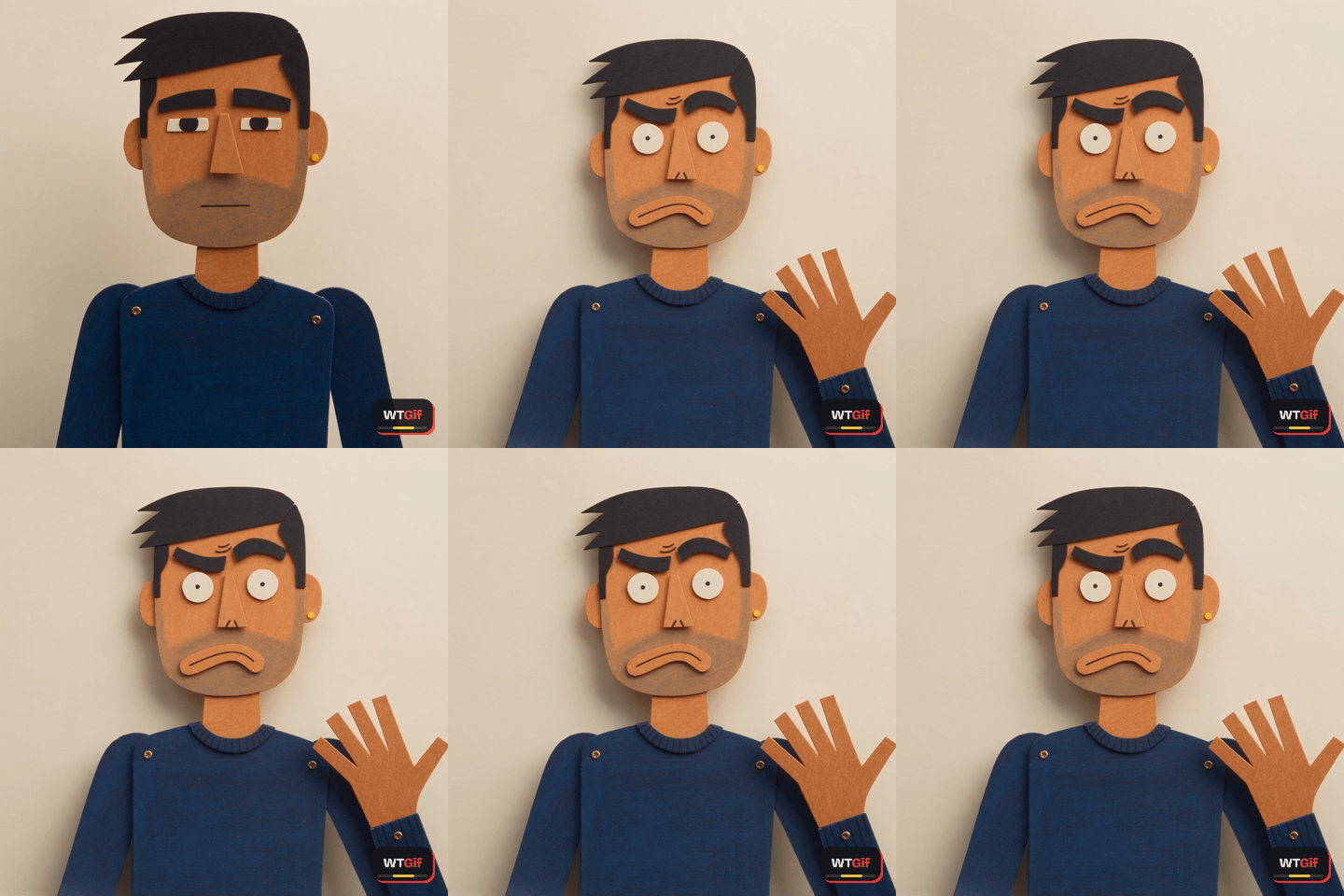
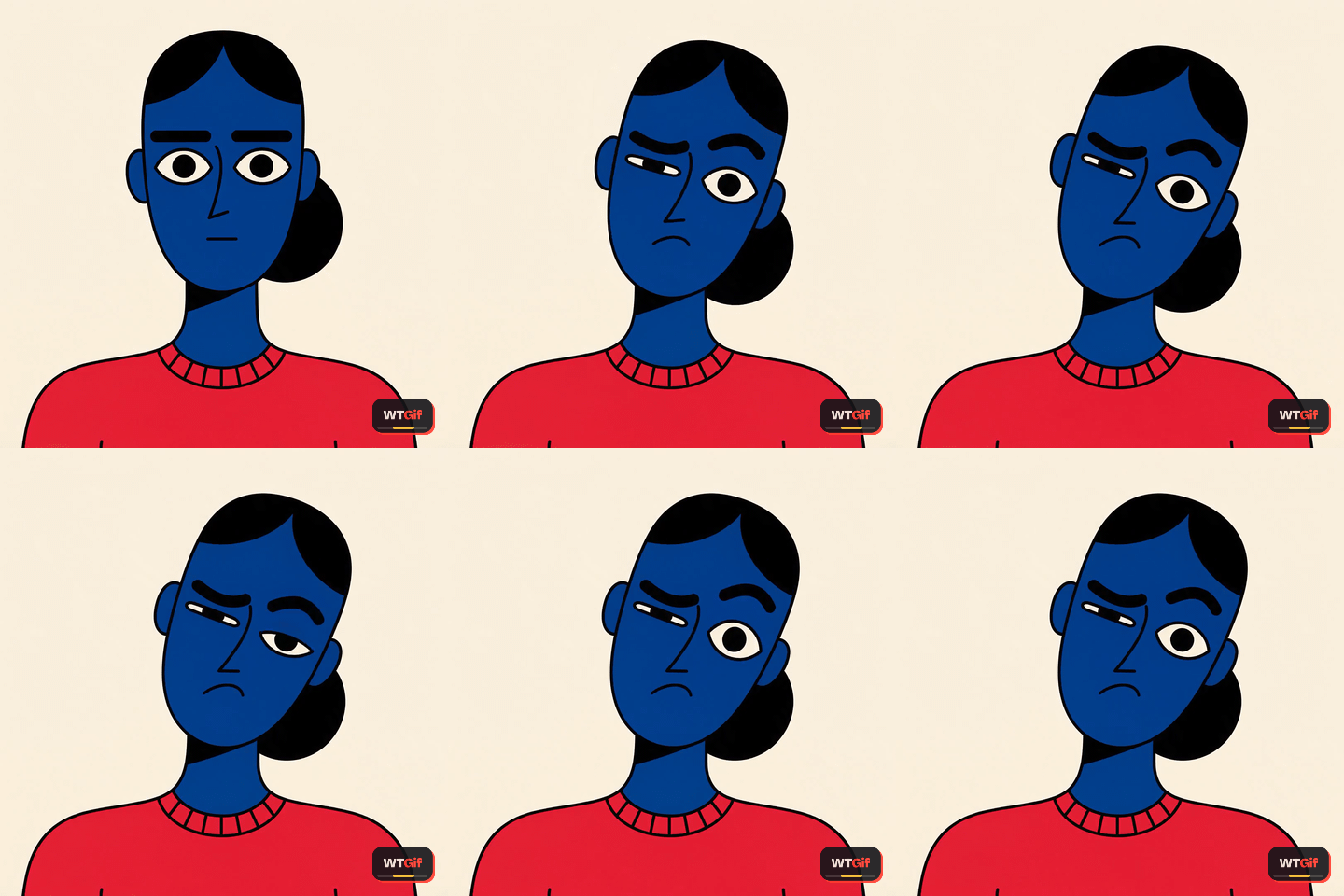
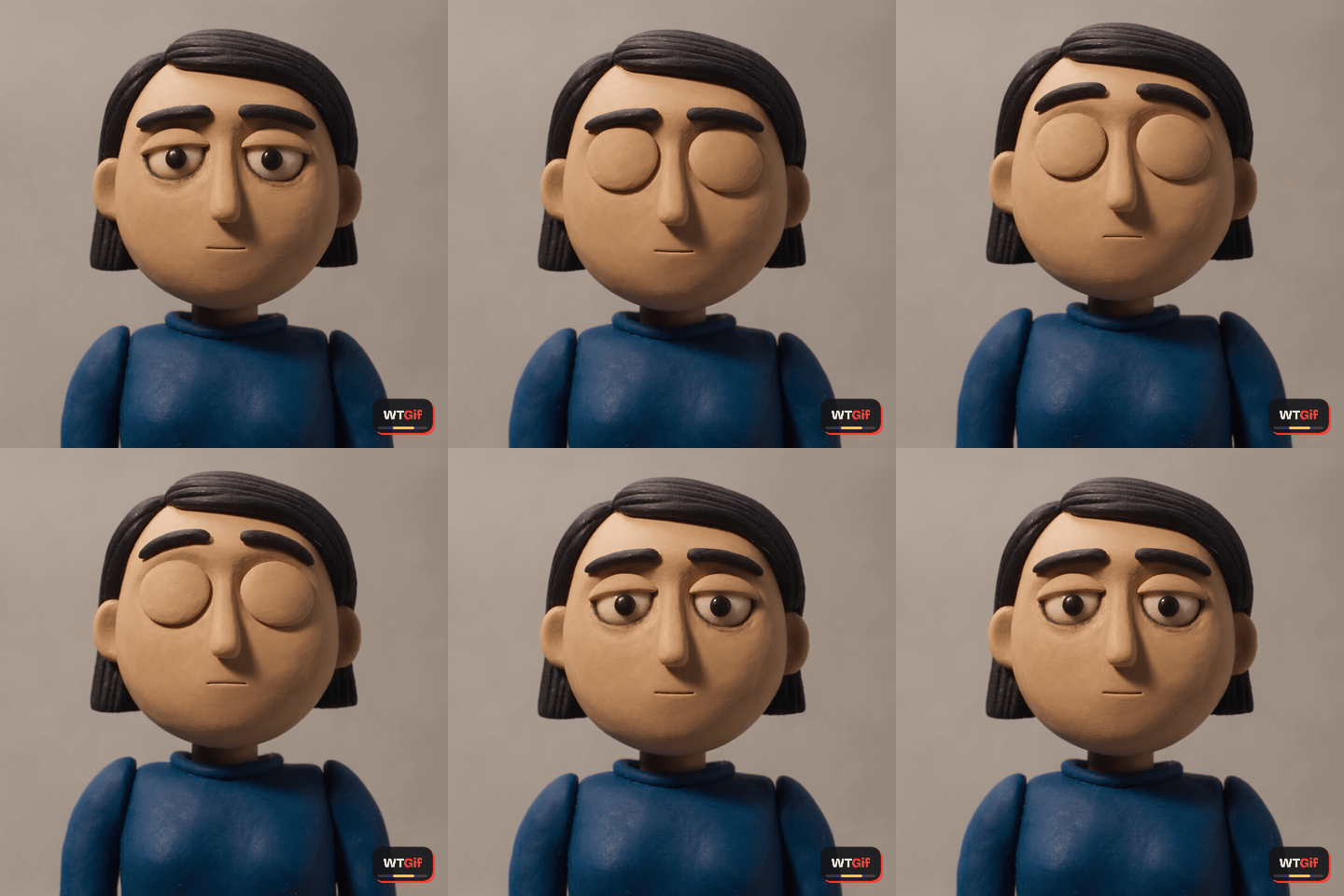
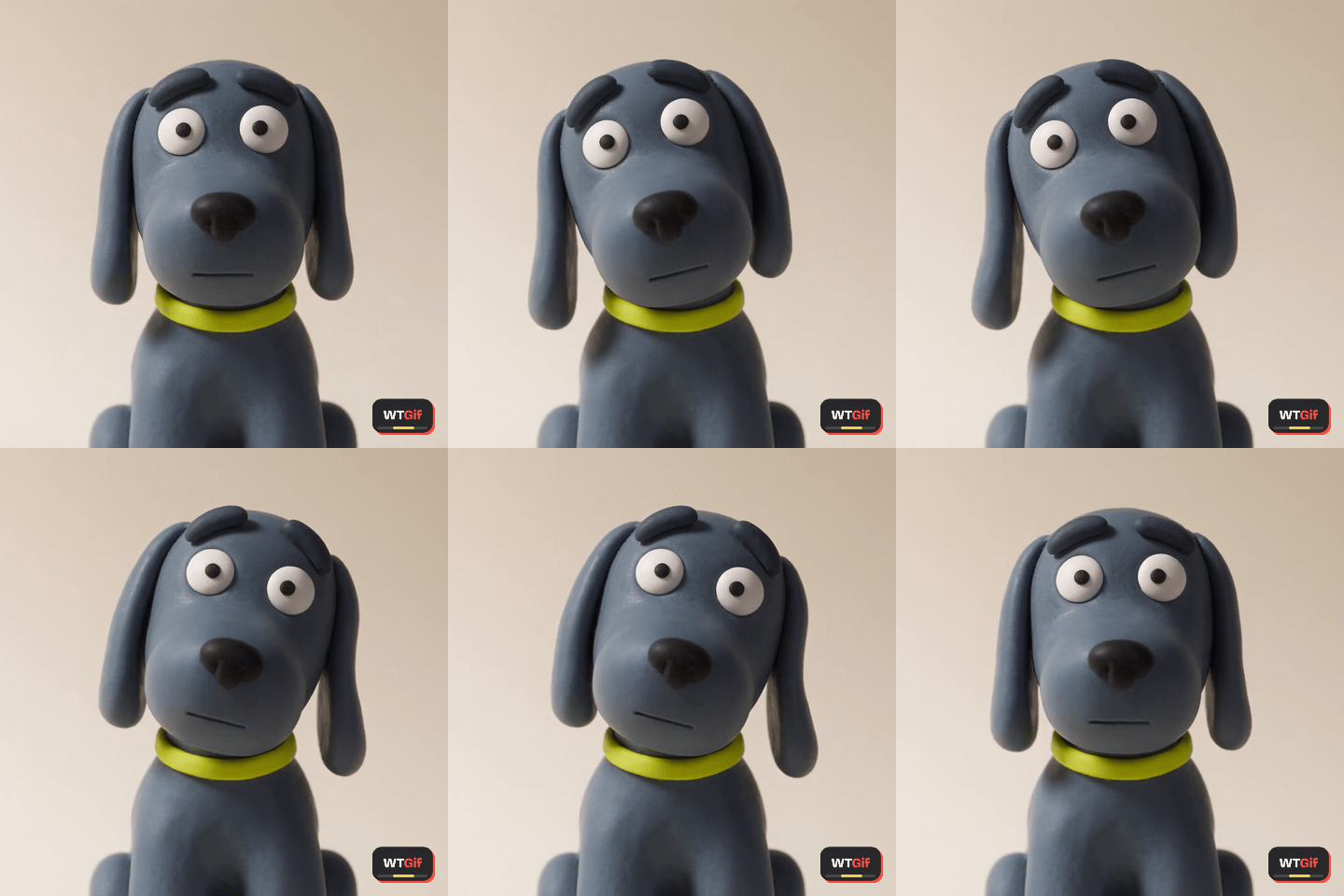
Download gives you the file; Copy link gives you a hotlink that works in Slack, Discord, Notion, Teams and anywhere else that unfurls a GIF URL. Every file is square, 480 pixels and 15 frames a second; most are under 2 MB and none is over 3.5 MB, which clears the upload caps on Slack, Discord and iMessage without a resize. iPhone users: save it to Files rather than Photos, which can hand you back a still.
Make your own
These were cut, trimmed and encoded with the tool at the top of this page, the same way yours would be: drop a clip, trim to the two seconds that land, add a caption if you want one, export. Nothing uploads; the whole thing runs in your browser.
Open the GIF maker →The fine print
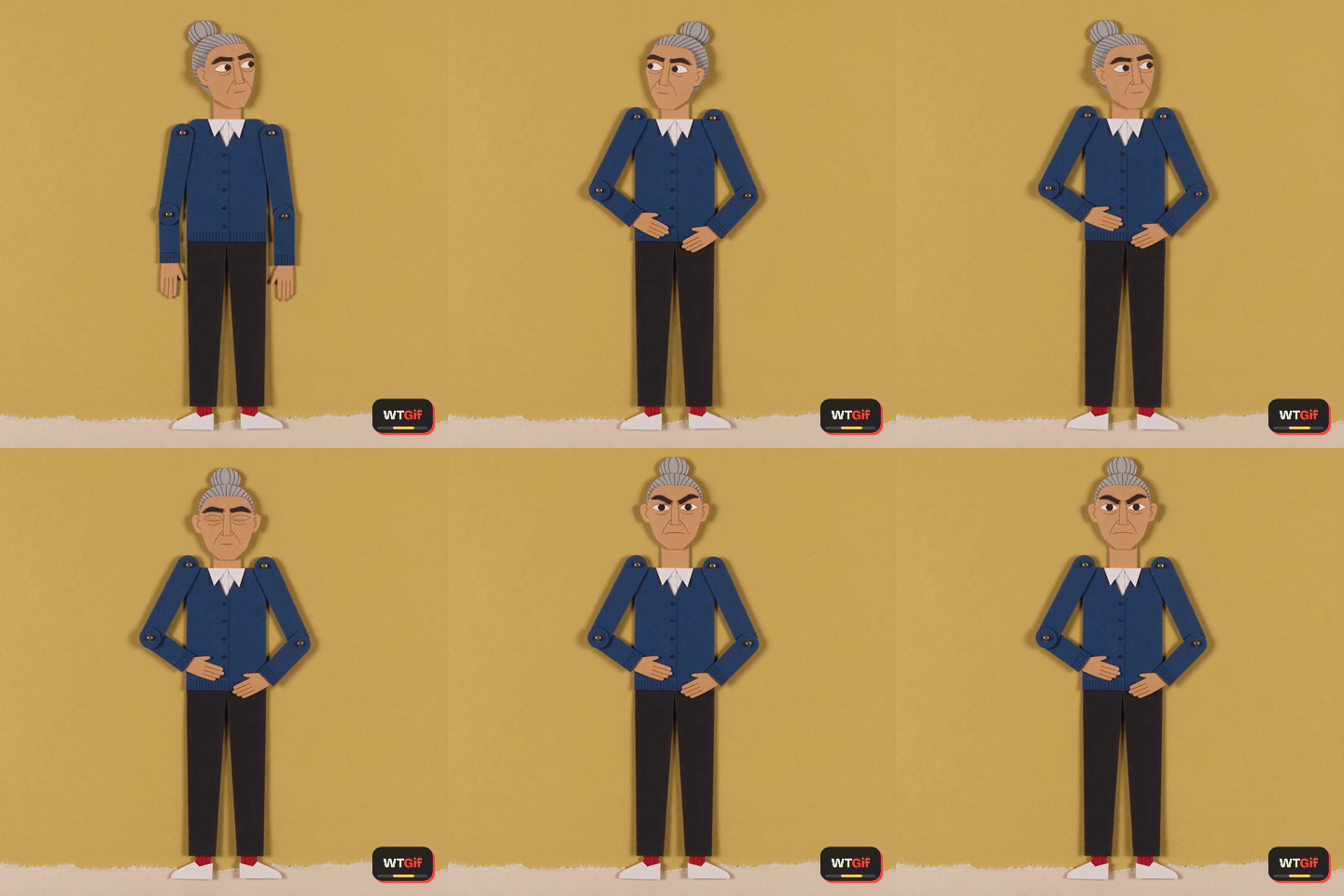
The GIFs on this page are released under CC0: use them anywhere, personal or commercial, no credit required, no permission to ask for. Each one carries a small WTGif tag in the corner; the license lets you crop it off if you need to. Nobody in them is a real person: the clips were generated from text, then trimmed and encoded in What the GIF, the characters are invented, and none is a recreation of an existing GIF. If one of them looks like someone you know, that is a coincidence, and you can tell us at hello@whatthegif.com.