The second lap is the entire test
Before anything else, decide whether this should move at all. A macro with a punchline in the bottom line is finished the instant it is read, and a loop keeps replaying a joke the reader already got. Motion earns its bytes when the funny thing is a physical event: a whip pan, a slow head turn, a person walking into frame at the worst possible second, a number ticking up. Those improve with repetition, because the reader watches a different part each time.
The tell is easy. Watch your own loop four times. If pass three is boring, you made a video that should have been a screenshot. Cut it shorter, or crop closer, or ship the still frame instead and spend your afternoon elsewhere.
The places a .gif file still wins outright
H.264 will always beat GIF on size, by an order of magnitude, and most large platforms quietly transcode your upload to video anyway. None of that changes where a real .gif file is the more useful object:
- Anywhere you paste rather than upload. A GIF drags into a Slack message, a GitHub comment, a Notion page, a Jira ticket, and animates inline without a player.
- Chat clients with a GIF drawer. Saved GIF panels take files, not videos.
- Forums and old software. Twenty years of things that render an img tag and nothing else.
- Places with no autoplay. A GIF plays because it is an image. A video sits there with a play button nobody presses.
When it is going somewhere that prefers video, the Output Format switch writes H.264 MP4 locally instead, same edit, same preview. Different jobs, same afternoon. Size caps on the chat platforms move around more than anyone would like, so check the current number at the destination rather than trusting a figure in any guide. The Discord emoji page covers the tightest budget of the lot.
The palette is the one place memes get lucky
GIF holds 256 colors per frame, which is why gradients band and skin goes blotchy. Meme aesthetics dodge that almost by accident. Pure white type with a pure black outline costs two entries in the palette, and those two are the first any quantizer keeps, so the text stays crisp through a reduction that would wreck a sunset. Screenshots, flat interface chrome, text messages, cartoons: all cheap to encode. The expensive things are film grain, smoke, water, and anything shot at night.
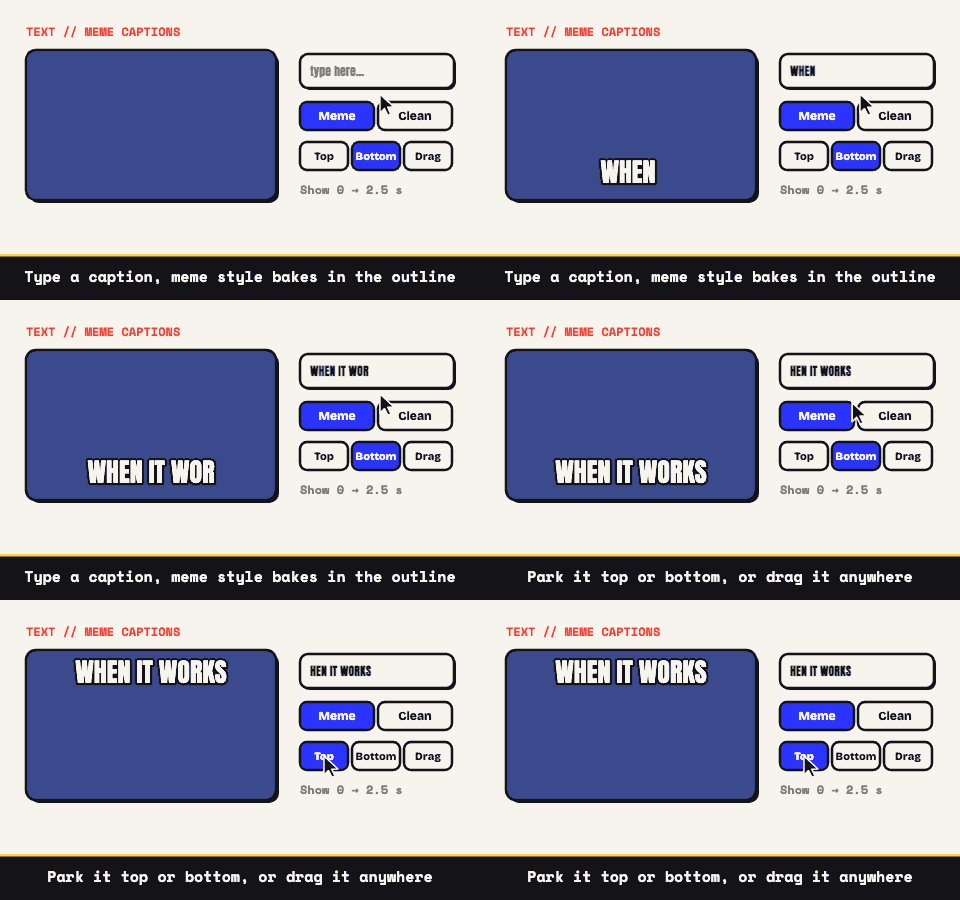
The outline is also doing structural work. White on white is invisible, and half of every meme background is bright. The black stroke is what makes one typeface readable over literally anything, which is why it outlived the design trends that surrounded it.
Practical settings: 64 colors for a screen capture, 128 when a face or a gradient is in shot, and Extra Compression at Medium if the size estimate refuses to behave. Flat art hides the grain it adds.
Cropping is a punchline device
Most meme edits are subtractive. The joke usually lives in one corner of the frame, and the other three quarters are a room. Crop to 1:1 and the reader's eye lands where you want it before they have read a word, which is the only reason the same twenty reaction clips keep working after a decade.
Two more levers that are pure comic timing. Per-clip speed runs 0.25x to 4x, and a slowed reveal is reliably funnier than a fast one. Sequencing lets a second clip arrive as a hard cut, with no transition softening the arrival, which is exactly what you want. The video meme generator is the flagship page for that workflow if captioning is the main event.
Three memes you cannot make here
- Anything whose joke is the audio. GIF carries no sound, and our MP4 export is silent too. A vine-style audio gag is not a GIF, and no amount of captioning rescues it.
- Anything needing a transition or a zoom. Clips join with hard cuts. There is no crossfade, no push, no ken burns. For a meme that is usually the right constraint, but it is a constraint.
- Anything starting from a YouTube link. There is no URL field, because a browser cannot read pixels from another site's video. The YouTube guide explains why and gives the honest workaround.
One more constraint that works in your favor: the file is built on your machine, so a joke about your own workplace never sits half-finished on somebody's server waiting to be interesting to the wrong person. Open the editor, make it, delete it if it is not funny. That last step should be free.