The card does not hold one file, it holds chapters
A long GoPro recording is not a long file. The camera splits it into chapters of roughly 4 GB, an inheritance from the days of FAT32 formatting, and then names them in an order that looks scrambled until you know the rule. In a name like GH010123.MP4, the two digits after the prefix are the chapter number and the four at the end are the shared clip number, so the second chapter of that same recording is GH020123.MP4. GX is the H.264 prefix and GH the HEVC one, which is your first clue about what is inside.
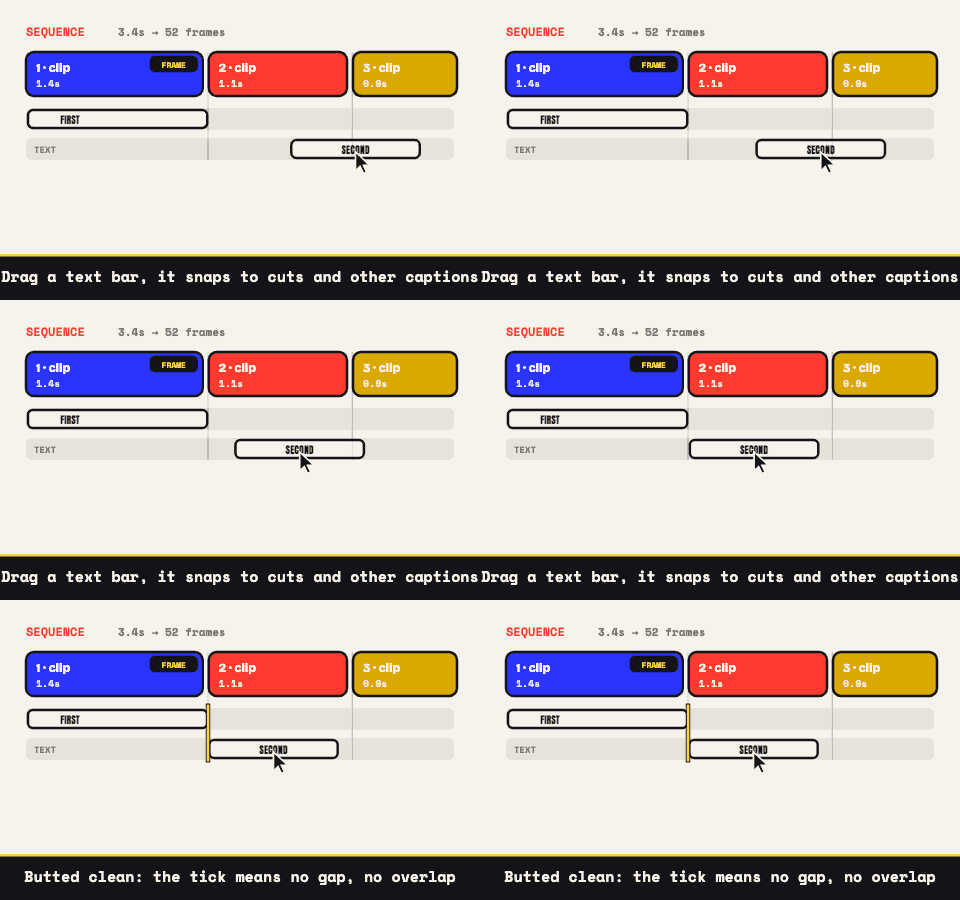
If your moment happens to straddle a chapter break, bring both files. Up to ten clips sequence into a single output here, each keeping its own trim and crop, joined with hard cuts and no transitions, so the split that the camera imposed simply disappears in the export. The multi-clip page covers the sequencing in full.
HEVC is where this can stall, and the proxy that fixes it
From the HERO 8 generation onward, the demanding modes (4K60, 5.3K, high-bitrate settings) are encoded as HEVC, also known as H.265. Whether a browser can decode that depends on the browser and the hardware underneath it: Safari handles it, Chrome and Edge depend on the machine, and Firefox often will not. If a GoPro file loads to a black frame or refuses outright, this is almost always the reason rather than anything about the file being broken. The one-time cure is a re-encode to H.264, which the HEVC guide walks through.
There is also a shortcut hiding on the card. Alongside each clip GoPro writes a low-resolution proxy with an .LRV extension (and a .THM thumbnail beside it). An LRV is an ordinary H.264 MP4 wearing a different extension: rename it to .mp4 and it opens like anything else. It runs a few hundred pixels wide, which is more than a 480-wide GIF will ever need, and it sidesteps both the HEVC question and the file-size guard in one move, since this tool caps input around 500 MB to protect your browser's memory and a 4K chapter blows past that without trying.
Wide is a look, and you pay for it in pixels
GoPro's lens settings are baked into the recording. SuperView and Wide keep the dramatic curve; Linear straightens it. Whatever you chose while strapping the camera to a helmet is what you have now, and none of it can be undone here.
What that means for a GIF is that the subject occupies a small fraction of an enormous, curved frame. Crop hard and crop first, on a locked ratio (1:1 or 4:5 for a feed, 9:16 if you shot vertical, 16:9 to keep the sweep), then scale. Coming from a 4K or 5.3K source you can discard most of the picture and the remainder still carries more detail than the finished GIF can display, which is the same arithmetic the 4K page works through at length.
Motion is the expensive kind of footage
Every GIF export here runs a lossless optimizer that stores only the region of each frame that changed since the last one. On a screen recording, where most of the picture sits still, that saves an enormous amount. On a helmet cam sprinting through trees, nothing sits still: the whole frame changes every frame, the optimizer finds nothing to skip, and the file grows in a straight line with duration. Action footage is the format's worst case, and knowing that makes the settings obvious.
- Length: two to four seconds. This is the lever with the most leverage, by a wide margin.
- Frame rate: 15 to 20 fps. Fast motion needs the frames, so buy them back with a shorter cut rather than a slower rate.
- Width: 480 for chat and feeds. A wide landscape shot reads fine at that size once it is cropped.
- Colors: 96 to 128, with dithering on. Sky, water, and snow are gradients, and gradients are exactly where banding shows.
One trap worth naming: slow motion costs weight rather than saving it. Dropping a clip to 0.25x stretches the same action across four times the duration, and at a fixed frame rate that is four times the frames. If a jump needs to hang in the air, pay for it by cutting everything around it to nothing.
The people in your footage did not sign up for a server
Action cam footage is rarely just scenery. It is your kid on the chairlift, a friend eating it on the trail, a stranger's face at the trailhead, and the GPS-tagged metadata the camera quietly wrote alongside the video. Handing that to an upload-based converter puts all of it on hardware you will never see, for reasons that amount to convenience.
Here the file is read by the page and encoded by your own processor, so the only copies that exist are the one on the card and the one on your disk. It is not a stronger promise than the other sites make; it is a different shape of system, one with no upload step to promise anything about. Bring the clip over, cut the three seconds worth keeping, and let the rest of the ride stay on the card.